


POS Software: Smart Solutions for Modern Business Management
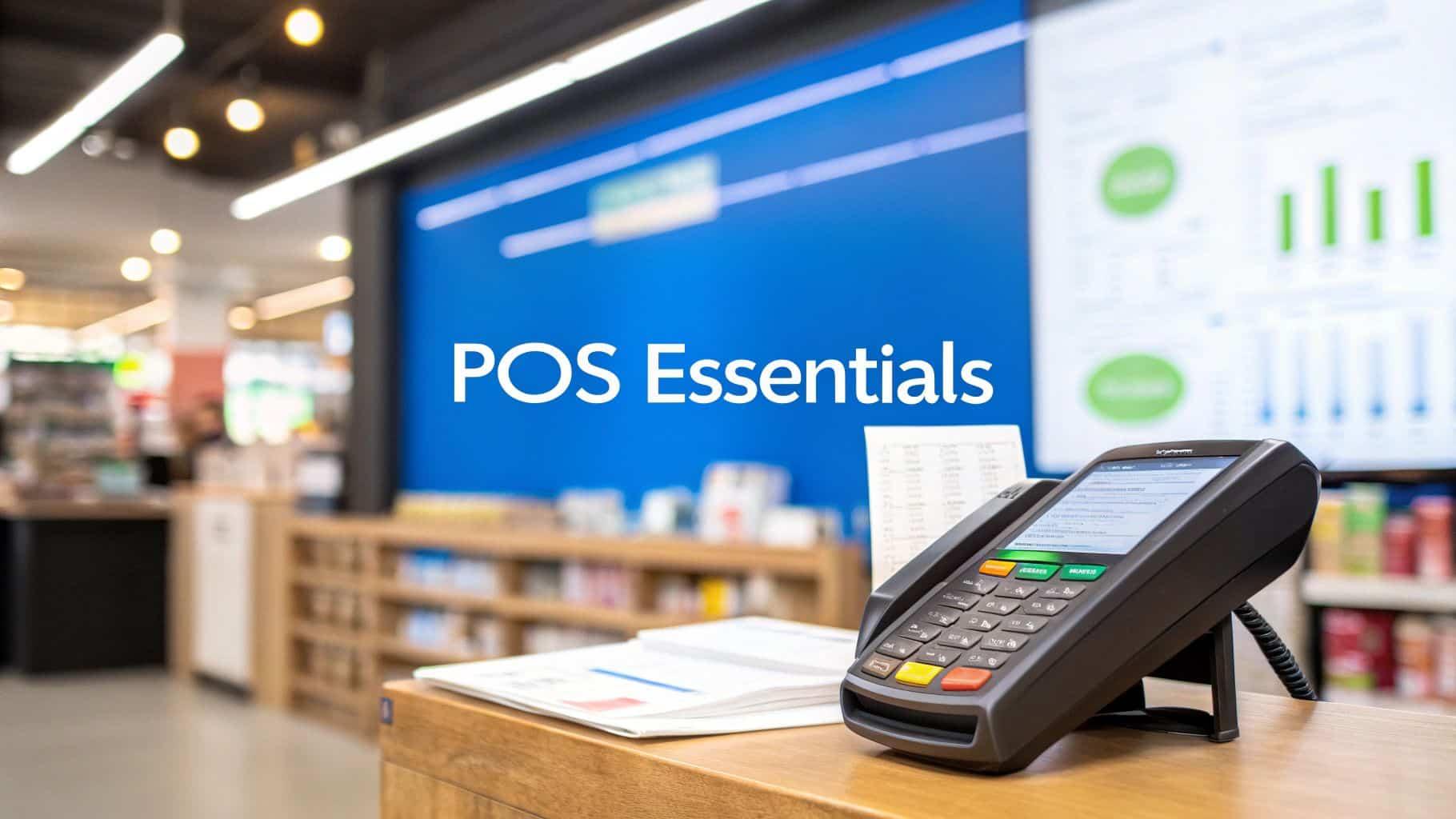
POS Software: An All-Inclusive Guide to Contemporary Point of Sale Systems
Introduction
Every retail store, restaurant, and service business relies on one critical moment: the point of sale. It is where a customer's decision to buy becomes a completed transaction. In the past, this process meant manual cash registers, handwritten receipts, and end-of-day tallying that often led to errors and lost time. Today, Point of Sale (POS) software has transformed this simple transaction into a powerful business management tool.
There is much more to modern point-of-sale software than just processing payments. It tracks inventory, manages customer relationships, generates sales reports, and integrates with accounting systems, giving business owners real-time insight into their operations from a single dashboard.
What Is POS Software?
POS software is a digital system that enables businesses to process sales transactions at checkout while simultaneously recording essential data about that transaction. It typically works alongside hardware such as barcode scanners, receipt printers, card readers, and touchscreen terminals, but the software itself is the engine that ties everything together.
Beyond simply ringing up a sale, POS software updates inventory counts automatically, applies discounts or promotions, calculates applicable taxes, and stores transaction history for future reference. This makes it an essential tool not just for cashiers, but for owners and managers who need accurate data to run their business effectively.
Core Functions of POS Software
Sales Processing
At its most basic level, POS software handles the checkout process, accepting multiple payment methods including cash, credit and debit cards, mobile wallets, and increasingly, QR code-based payments.
Inventory Management
Real-time inventory tracking is one of POS software's most useful functions. As items are sold, stock levels update automatically, reducing the risk of overselling or running out of popular products unexpectedly.
Reporting and Analytics
POS systems generate detailed reports on sales trends, peak business hours, best-selling products, and staff performance. These insights help business owners make informed decisions about purchasing, staffing, and marketing strategies.
Customer Relationship Management
Many POS platforms include built-in CRM features, allowing businesses to track customer purchase history, manage loyalty programs, and send targeted promotions to repeat customers.
Employee Management
POS software often includes tools for tracking employee hours, managing shift schedules, and monitoring individual sales performance, which simplifies payroll and accountability.
Businesses can streamline sales, inventory, payments, and reporting with reliable
POS software Pakistan solutions designed for efficient daily management.
Types of POS Systems
Cloud-Based POS
Cloud-based point-of-sale systems store information on distant servers that may be accessed online.. This model offers flexibility, allowing business owners to monitor sales and inventory from anywhere using a smartphone or laptop. It also typically involves lower upfront costs and automatic software updates.
On-Premise POS
Local servers at the company's site power on-premise solutions. While they require a larger initial investment and dedicated hardware, some businesses prefer this model for greater control over data and reduced dependency on internet connectivity.
Mobile POS (mPOS)
Mobile POS solutions turn tablets or smartphones into portable checkout terminals. This is particularly useful for businesses like food trucks, pop-up shops, or delivery services that need flexibility beyond a fixed counter.
Industry-Specific POS
Certain industries, such as restaurants, retail clothing stores, salons, and grocery outlets, benefit from POS systems tailored to their specific workflows. A restaurant POS, for example, may include table management and kitchen order printing, while a retail POS focuses more heavily on barcode scanning and inventory variants like size and color.
Benefits of Using POS Software
Improved Accuracy
Automating calculations for pricing, discounts, and taxes significantly reduces human error compared to manual transaction processing.
Time Savings
Faster checkout processes mean shorter customer wait times, which improves the overall shopping or dining experience and increases customer satisfaction.
Better Inventory Control
Real-time stock updates help prevent both overstocking and stockouts, ensuring businesses maintain optimal inventory levels and reduce holding costs.
Data-Driven Decision Making
Access to detailed sales analytics allows business owners to identify trends, adjust pricing strategies, and plan promotions based on actual performance data rather than guesswork.
Enhanced Customer Experience
With faster service, accurate order tracking, and personalized loyalty programs, POS software directly contributes to stronger customer relationships and repeat business.
Key Features to Look for When Choosing POS Software
When selecting a POS system, businesses should evaluate the following factors:
Ease of Use:
Staff training time is decreased by an intuitive interface.Integration Capabilities: The ability to connect with accounting software, e-commerce platforms, and payment gateways.
Offline Functionality:
The system should continue operating during internet outages, syncing data once connectivity is restored.
Scalability:
The software should accommodate business growth, including additional locations or users.
Security Features:
Strong data encryption and secure payment processing to protect customer information.
Customer service:
dependable technical assistance for system updates and troubleshooting.
Common Challenges in POS Implementation
Despite its advantages, transitioning to a new POS system can present certain challenges:
Staff Training:
Employees need time to adapt to new software and hardware.
Initial Setup Costs:
Hardware purchases and software subscriptions require upfront investment.
Data Migration
Transferring existing inventory and customer data into a new system can be complex.
System Downtime
Poorly implemented systems may experience technical issues during the transition period.
Careful planning, vendor support, and phased rollouts can help minimize these disruptions.
Conclusion
POS software has evolved from a simple cash register replacement into a comprehensive business management tool. By streamlining sales transactions, automating inventory tracking, and providing valuable analytics, modern POS systems empower businesses of all sizes to operate more efficiently and serve customers better. Choosing the right POS solution, one that fits the specific needs of the business and industry, is a critical step toward long-term growth and operational success.
Explore reliable business technology resources for improving daily operations, managing workflows, and making informed decisions.
Categorie
Leggi tutto
Market Overview The pharmerging market is witnessing rapid biosimilar adoption as payers in emerging economies leverage tender-based procurement to capture originator market share at scale. Unlike mature markets where prescriber loyalty slows switching, pharmerging payers can switch entire patient populations in a single tender cycle. The Pharmerging Market is projected to grow through 2035,...

The international production, engineering, and commercial distribution ecosystem for chromatic confocal sensors is characterized by high technical barriers, specialized optical design expertise, deep intellectual property portfolios, and strong consolidation among established European metrology giants and Japanese precision sensor corporations. A granular investigation into global Chromatic...

Technological breakthroughs in ultrasonic cutting, robotic-assisted surgery, and AI integration are fundamentally transforming the Bone Cutting Technology Market, enabling surgeons to perform complex procedures with greater precision, safety, and efficiency. Ultrasonic bone cutting technology is gaining traction for its unique ability to minimize tissue damage while ensuring accuracy,...
Sports Nutrition Market Outlook Growing fitness participation, wider retail access and demand for convenient protein, hydration and recovery formats are reshaping purchasing patterns, according to Future Market Insights. NEWARK, Del., October 8, 2026. — The global sports nutrition market is estimated at USD 29.58 billion in 2026 and is projected to reach USD 65.65 billion by 2036,...

The production, engineering, and commercial distribution ecosystem for electromechanical components in India is characterized by established brand trust, stringent safety certifications, and strong consolidation among leading domestic engineering conglomerates alongside global multinational electrical corporations. A granular investigation into global India Electromechanical Components Market...